
 Sehtin Plus
Official store links
- Google Play
- Coming soon
- App Store
- Coming soon
Official download links
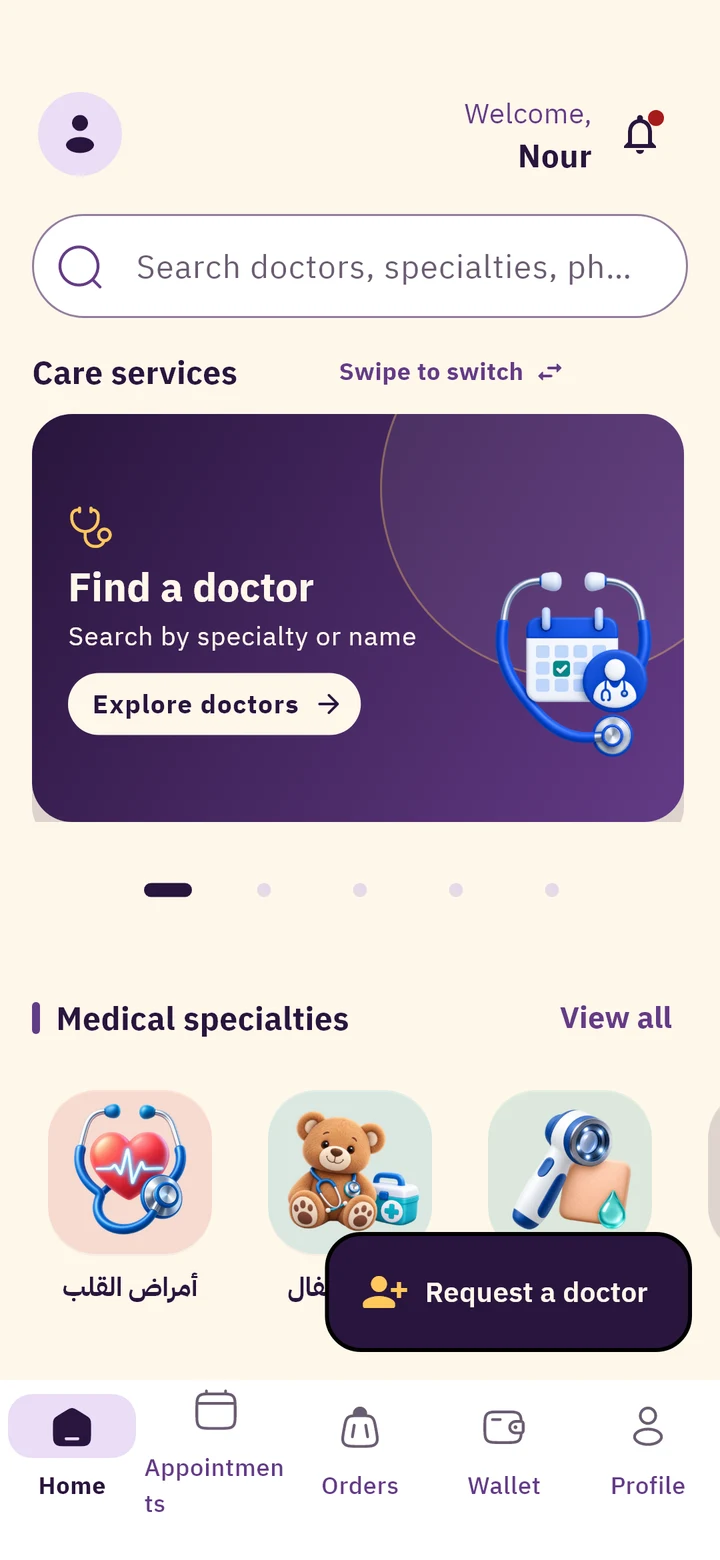
This page collects approved Google Play and App Store destinations for Sehtin Plus. This version does not yet include active store links. Check the official destination and developer name before installing, and consult Support if you need clarification.
Install and get started
- Open the official store destination for your device and check app name, developer and compatibility.
- Install and follow the sign-in or account-creation steps displayed in the app.
- Choose the appropriate role and review your details and feature-related permissions.
- Explore specialties, doctor and branch information, and available times.
- After booking, check appointment status and details rather than relying only on time selection.
Compatibility and updates
System requirements and supported releases are specified by the official store listing. Do not assume every older device or system supports identical features. Use official updates and review release information.
Some functions need connectivity or a specific permission. Refusing permission may affect search, attachments or notifications; it does not imply every permission must be accepted.
Before your first visit
Review doctor, branch, date, time, change rules and any displayed cost. Service availability depends on provider and area. The website introduces the product; supported booking and appointment actions take place in the app.
Need help?
Support explains access, permissions, appointments and troubleshooting. Privacy describes information handling, while Terms provides the framework for use of the service.